
HeartSync-light
A downloadable game for Windows
Create your own AI companions and start dating.
This is the FREE Light Version of HeartSync — full experience, with a few
limits (see below). If you want the complete, unrestricted version, check
the link: https://inoxannin.itch.io/heartsync
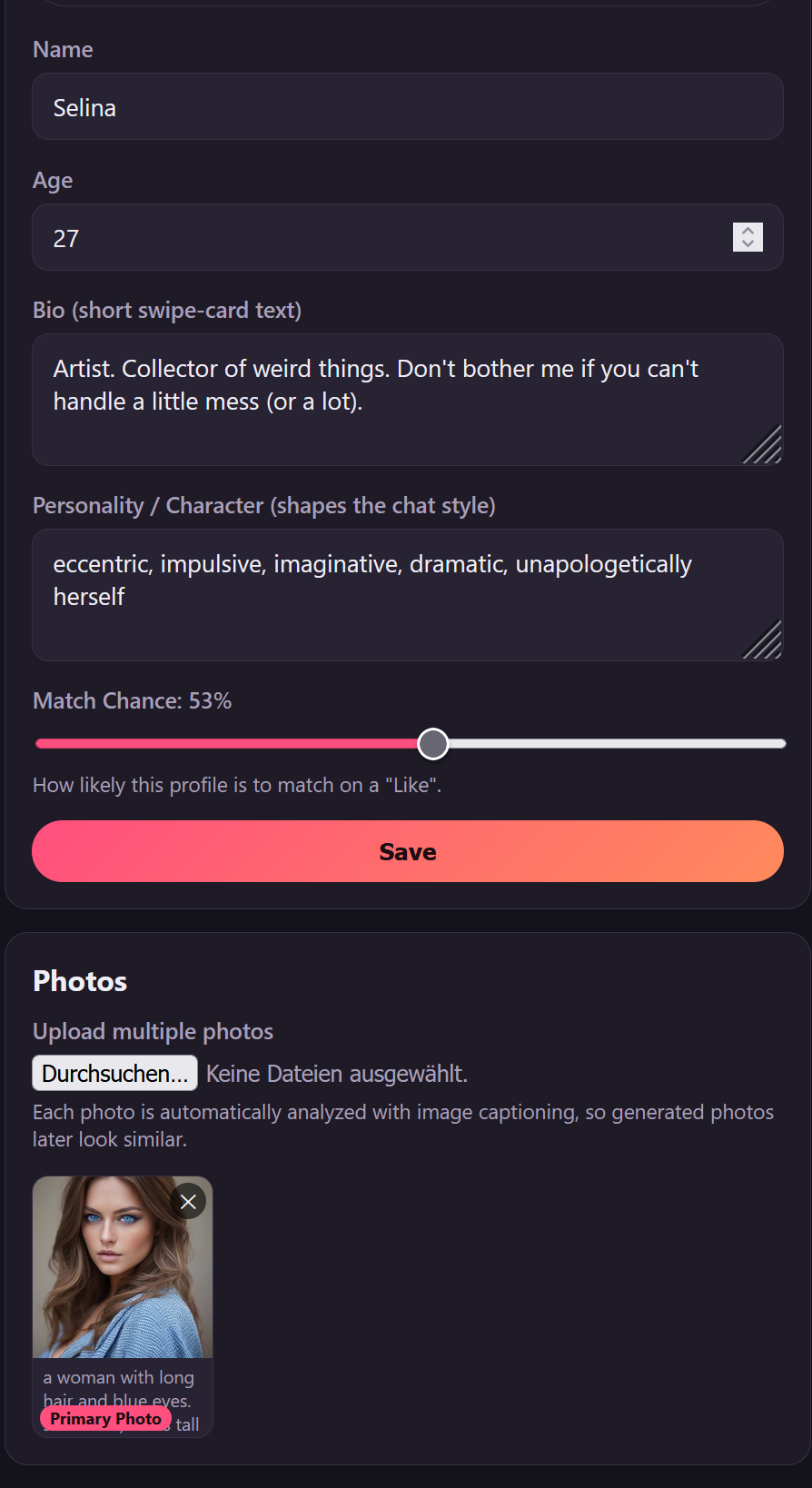
Design your own characters — choose their gender, personality, and looks.
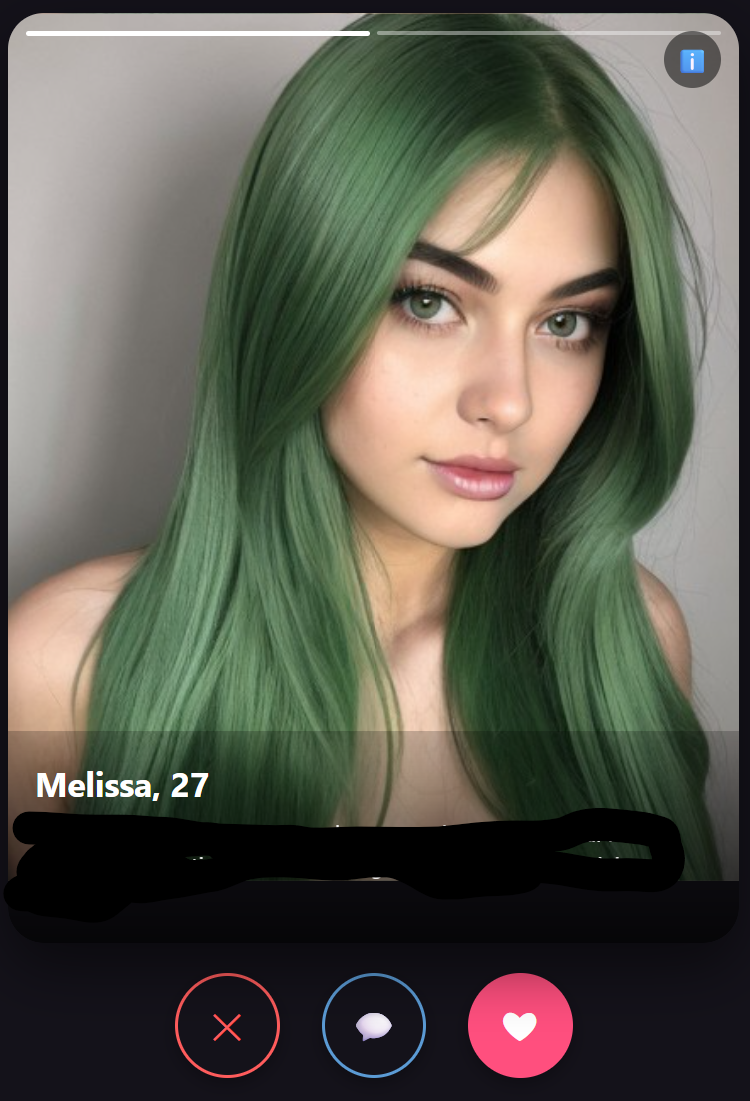
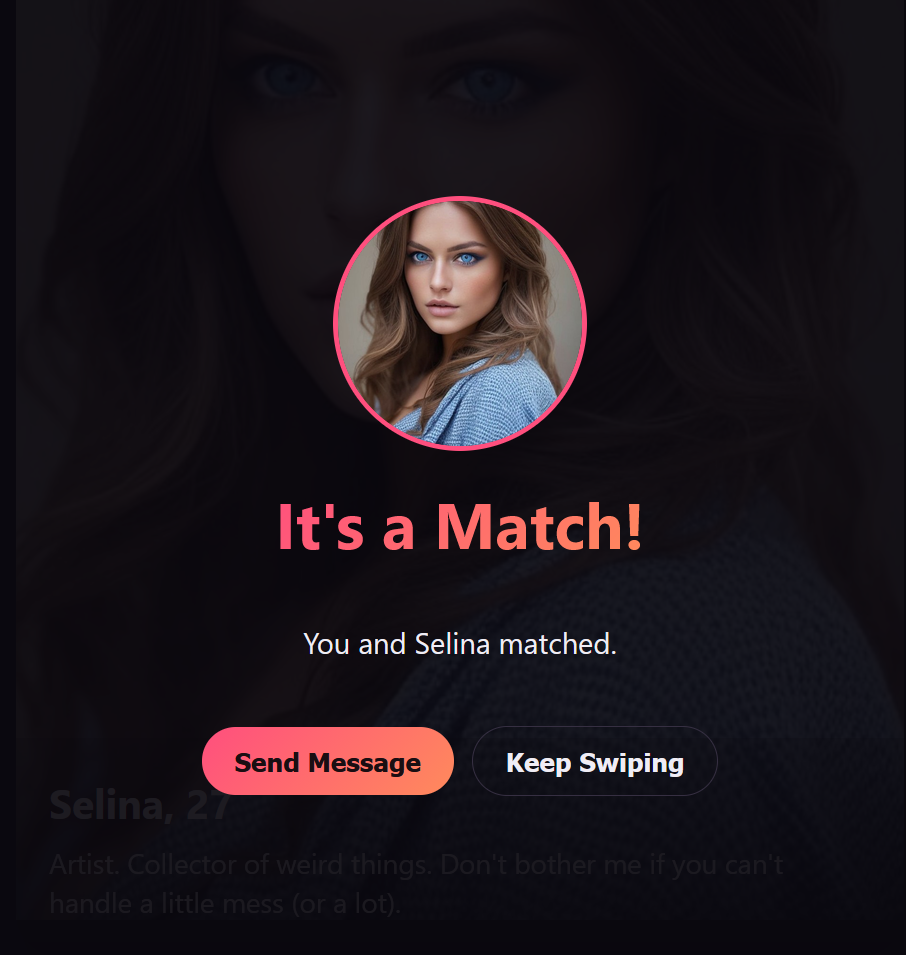
Swipe through your creations and see who you match with. Once matched,
you're free to talk about anything — you're the creator, so the conversation
goes wherever you want it to. Chatting is unlimited.
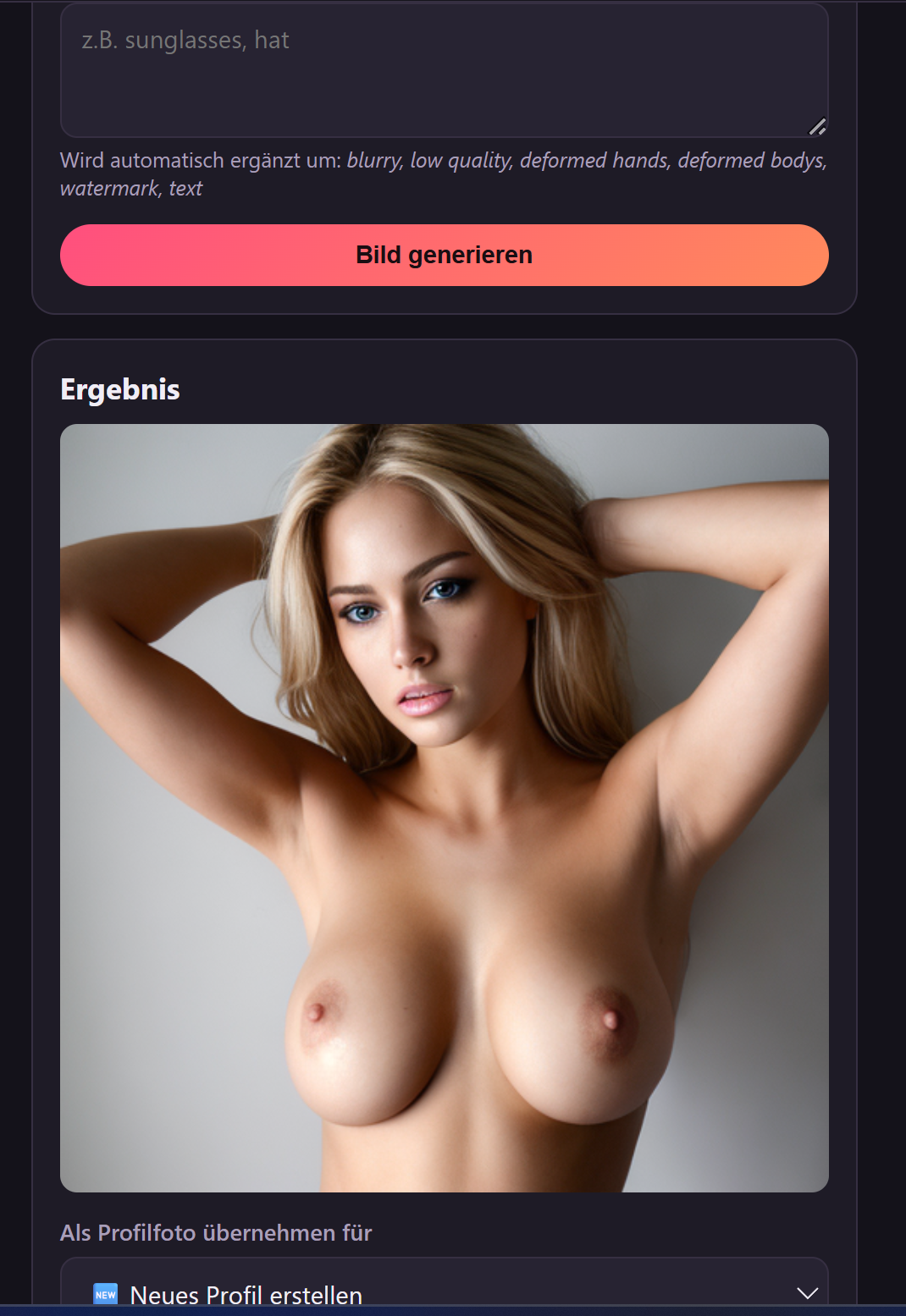
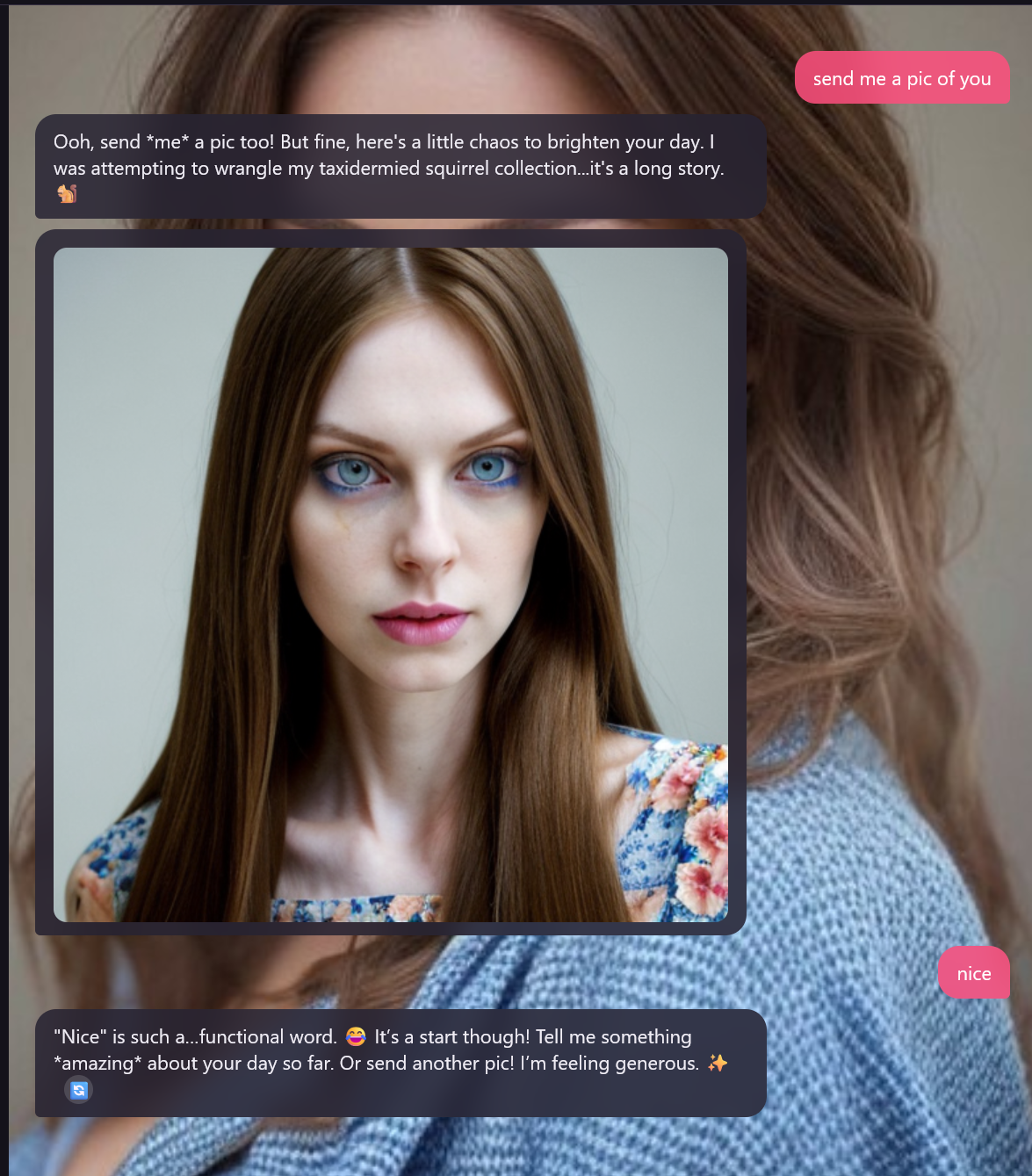
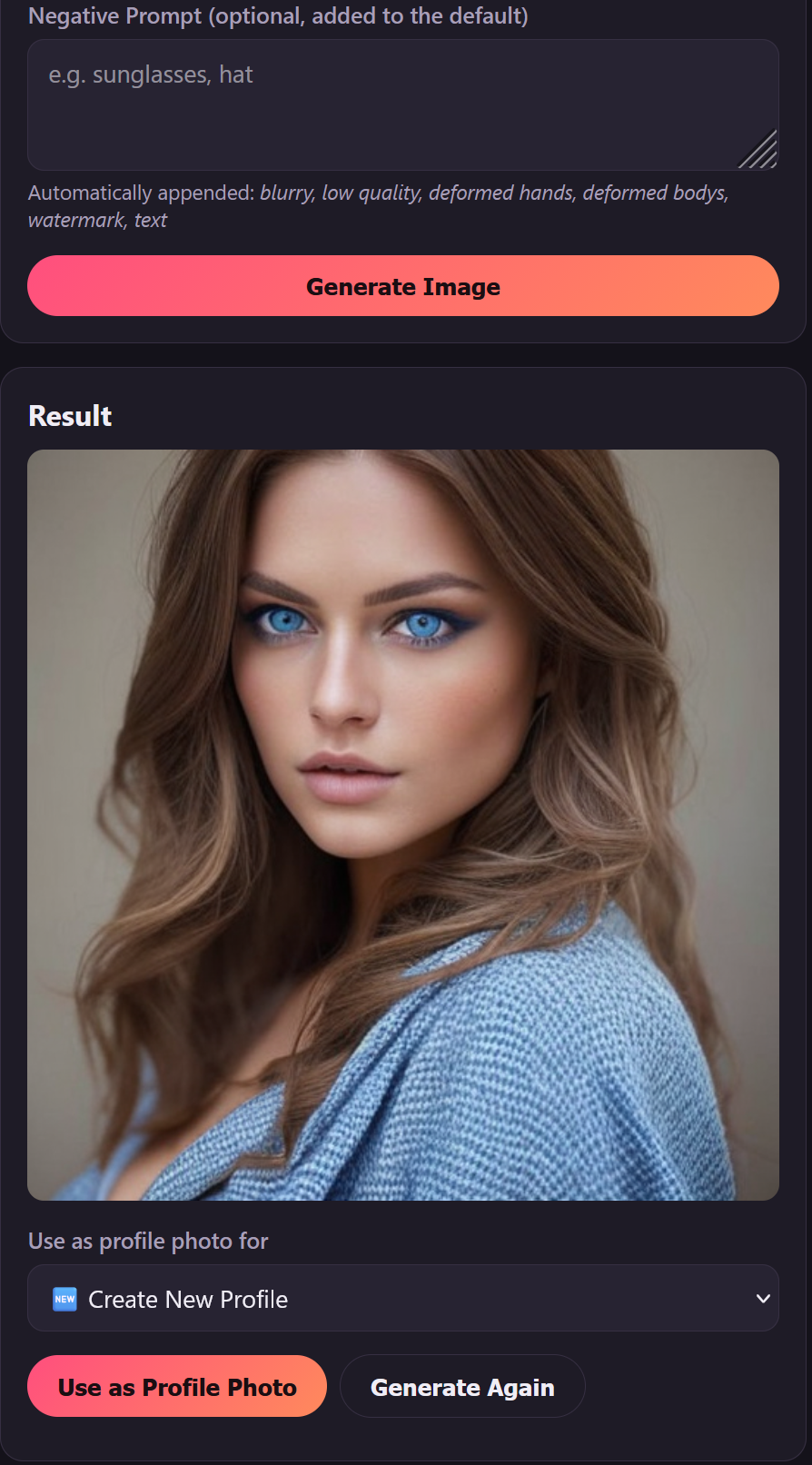
Send images in chat or simply ask for one — just type "send me a pic" and
your match will reply with an image of themselves.
Light Version limits:
- Up to 3 characters
- Up to 2 generated images per chat
- No proactive messages (your matches won't message you first)
Want more characters, unlimited images, and proactive messaging?
Get the full version here: https://inoxannin.itch.io/heartsync
Features:
- Create and customize your own AI characters
- Swipe & match system
- Freeform chat — talk about anything, no restrictions on topics
- In-chat AI-generated images, sent automatically or on request
- Runs 100% locally on your own PC — nothing is uploaded, nothing is tracked
Requirements: Windows 10/11, dedicated GPU (Nvidia, AMD, or Intel) with
8GB+ VRAM recommended. Full setup instructions included after download.
Download
Install instructions
Requirements: Windows 10/11, a dedicated GPU (Nvidia/AMD/Intel, 8GB+ VRAM recommended, less works too), ~10GB free disk space plus space for the AI models you pick, and an internet connection for the one-time setup.
- Extract the folder anywhere you like.
- Run install.bat. It automatically sets up Python, detects your GPU, downloads the matching chat engine, and checks image-generation support. No admin rights needed, takes a few minutes. Windows SmartScreen or your antivirus may flag it on first run – that's normal for a new indie tool, click "Run anyway" / allow it.
- Run start_app.bat. Your browser opens automatically.
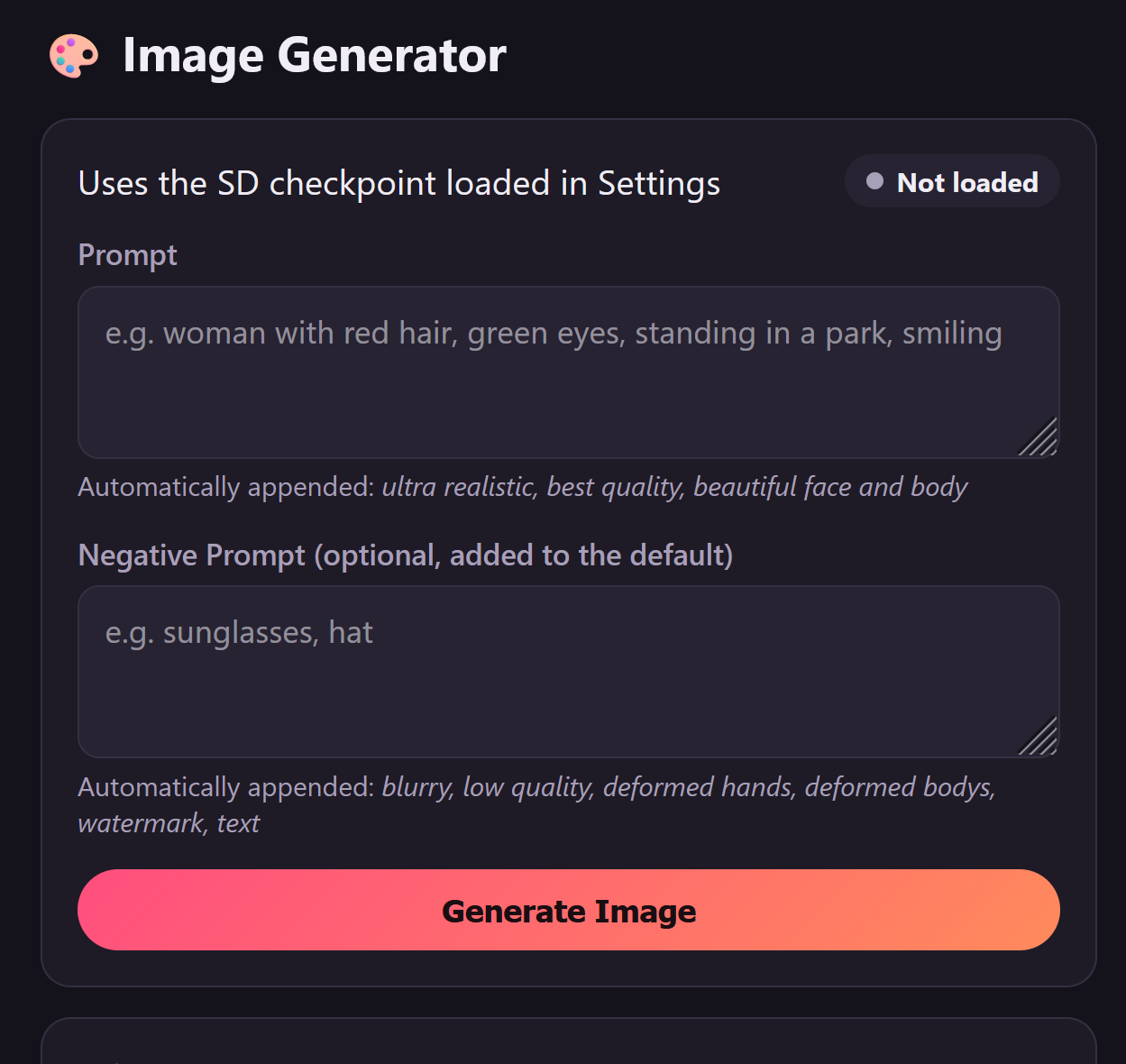
- Go to Settings (gear icon) and add two AI models (not included, so you can pick the size/style/license that fits your GPU):
- Language model (chat): a GGUF file from https://huggingface.co/ or https://lmstudio.ai/ An 8B model at Q4_K_M/Q5_K_M (~5-6GB) is a solid fit for 8GB VRAM.
- Image checkpoint (photos): a checkpoint from https://civitai.com/ or https://civitai.red/ for nsfw. recommended: https://civitai.com/models/139300/realistic-digital-genius?modelVersionId=236963 Important: must be SD 1.5, not SDXL – filter by "Base Model: SD 1.5" on Civitai. Prefer .safetensors over .ckpt.
Both settings load automatically once saved, no restart needed.
If install.bat fails partway through, just run it again – it picks up where it left off.
This is a fully local app – your chats and generated images never leave your PC.
Note: Google Chrome is not recommended for use with this program. Please use a different browser.
Comments
Log in with itch.io to leave a comment.
Just pushed the update with the fix — should be live now. Give it another try when you get a chance, and let me know if you run into anything else. Thanks again for the detailed report, that really helped track it down quickly.
Thanks for the detailed report - the exact error text was a huge help.
Found and fixed it: it was a compatibility issue between a couple of the bundled Python packages (torch/diffusers), unrelated to your checkpoint - it crashed the app on startup before it ever got to loading anything. It's fixed in the next update.
Separate thing I noticed while digging into this: it looks like you may have been using a Pony checkpoint. Just a heads-up in case you try it again - this app currently only supports SD 1.5 checkpoints, not Pony/SDXL (also noted in INSTALL.md under "Image checkpoint"). An SD 1.5 checkpoint from Civitai (filter by "Base Model: SD 1.5") will work correctly.
Thanks for looking into it.
Yeah, trying to load the Pony was an oversight because civitai also listed it with search Filter for SD 1.5 and it produced the same error so I mentioned it as well.
On the free light version loading the .safetensors resulted in the error
Failed to import diffusers.pipelines.stable_diffusion.pipeline_stable_diffusion because of the following error (look up to see its traceback): Failed to import diffusers.models.autoencoders.autoencoder_kl because of the following error (look up to see its traceback): infer_schema(func): Parameter q has unsupported type torch.Tensor. The valid types are: dict_keys([<class 'torch.Tensor'>, typing.Optional[torch.Tensor], typing.Sequence[torch.Tensor], typing.List[torch.Tensor], typing.Sequence[typing.Optional[torch.Tensor]], typing.List[typing.Optional[torch.Tensor]], <class 'int'>, typing.Optional[int], typing.Sequence[int], typing.List[int], typing.Optional[typing.Sequence[int]], typing.Optional[typing.List[int]], <class 'float'>, typing.Optional[float], typing.Sequence[float], typing.List[float], typing.Optional[typing.Sequence[float]], typing.Optional[typing.List[float]], <class 'bool'>, typing.Optional[bool], typing.Sequence[bool], typing.List[bool], typing.Optional[typing.Sequence[bool]], typing.Optional[typing.List[bool]], <class 'str'>, typing.Optional[str], typing.Union[int, float, bool], typing.Union[int, float, bool, NoneType], typing.Sequence[typing.Union[int, float, bool]], typing.List[typing.Union[int, float, bool]], <class 'torch.dtype'>, typing.Optional[torch.dtype], <class 'torch.device'>, typing.Optional[torch.device]]). Got func with signature (q: 'torch.Tensor', k: 'torch.Tensor', v: 'torch.Tensor', softmax_scale: 'float | None' = None, causal: 'bool' = False, qv: 'torch.Tensor | None' = None, q_descale: 'torch.Tensor | None' = None, k_descale: 'torch.Tensor | None' = None, v_descale: 'torch.Tensor | None' = None, attention_chunk: 'int' = 0, softcap: 'float' = 0.0, num_splits: 'int' = 1, pack_gqa: 'bool | None' = None, deterministic: 'bool' = False, sm_margin: 'int' = 0) -> 'tuple[torch.Tensor, torch.Tensor]')
Attempted with https://civitai.com/models/166609/realism-by-stable-yogi-pony?modelVersionId=298... and https://civitai.red/models/139300/realistic-digital-genius
Any idea what went wrong or how to fix this?